
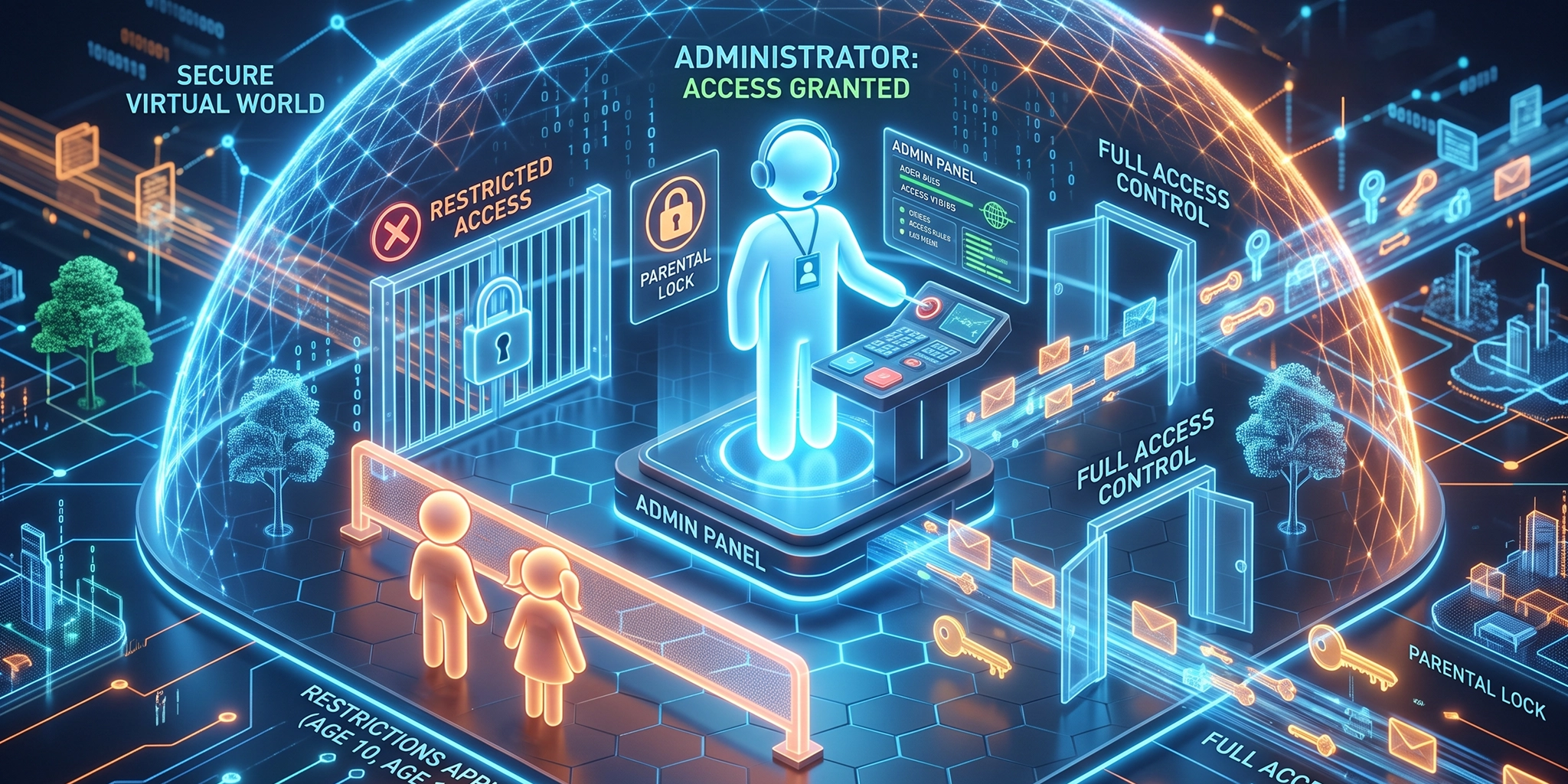
When configuring a computer for a child, every parent and guardian encounters a fundamental decision regarding user permissions. Should children be assigned standard user accounts with strict limits, or should they be granted full administrator access? The answer largely depends on your underlying educational philosophy. Are you seeking to raise individuals who strictly follow instructions, or are you aiming to nurture curiosity, experimentation, and practical problem-solving skills?
Granting children administrator privileges certainly introduces cybersecurity risks. However, if the goal is to foster genuine technical competency and deep digital skills, providing broader system access can be an invaluable stepping stone.
The Case for Curiosity: Learning Through System Exploration
Restricting a child to a standard user account prevents them from modifying core operating system configurations, installing new software applications, or exploring advanced system settings. While this approach helps maintain control and stability, it can also restrict meaningful technical learning.
When children possess full administrator privileges, they gain the freedom to explore how computers function beneath the surface. This level of access enables them to:
- Install and configure software applications independently.
- Understand system architecture and operating system mechanics.
- Troubleshoot software errors and resolve configuration conflicts.
- Learn resilience by making mistakes, breaking system components, and discovering how to repair them.
True technical capability extends far beyond browsing the internet or operating basic applications. By allowing children to experiment and occasionally encounter system issues, they develop analytical skills that restricted accounts simply cannot foster.
Understanding the Cybersecurity Risks of Elevated Access
Allowing full administrator privileges is not without genuine security concerns. An account operating with administrative rights possesses the authority to modify system files, execute unverified software, and alter critical security settings.
The primary vulnerabilities associated with administrator access include:
- Unintentional Malware Execution: Malicious software executed under an administrator account inherits elevated privileges, making it significantly easier for ransomware or spyware to compromise the operating system.
- Deactivation of Security Features: Children may inadvertently or intentionally disable built-in firewalls, real-time scanning tools, or automated update services.
- System Instability: Essential operating system files could be modified or deleted, potentially leading to operating system crashes or loss of personal data.
Balancing Digital Freedom with Protective Measures
Providing administrator access does not mean abandoning cybersecurity entirely. A strong security posture relies on layered defences rather than total restriction.
To support an educational environment while mitigating operational risk, consider implementing the following measures:
- Robust Endpoint Protection: Maintain high-quality security software that operates continuously to detect and block malicious threats automatically.
- Network-Level Controls: Utilise network filtering or router-based schedule controls to manage permitted hours of use and block access to harmful web domains.
- Automated Backups: Implement regular cloud or external storage backups. If a mistake occurs and an operating system requires reinstallation, critical data remains protected.
Even if a child manages to disable a security control, this event can be framed as a constructive learning opportunity rather than a simple failure. Discussing why the protection existed and analysing what occurred helps build a deeper understanding of security fundamentals.
Fostering a Culture of Digital Responsibility
Cybersecurity is as much about human behaviour as it is about software controls. Teaching young individuals to navigate digital environments safely requires open communication and practical experience. Explaining the reasoning behind security tools helps turn technical challenges into educational milestones.
By combining appropriate endpoint security measures with open guidance regarding risk management, you can create a safe environment for technical growth without leaving your devices undefended.
Navigating cybersecurity management across both home and business environments requires a balanced approach. If you wish to assess your organisation’s security posture, review policy frameworks, or explore comprehensive technical defence strategies, contact the expert team at Vertex Cyber Security or visit our official website for tailored guidance.