
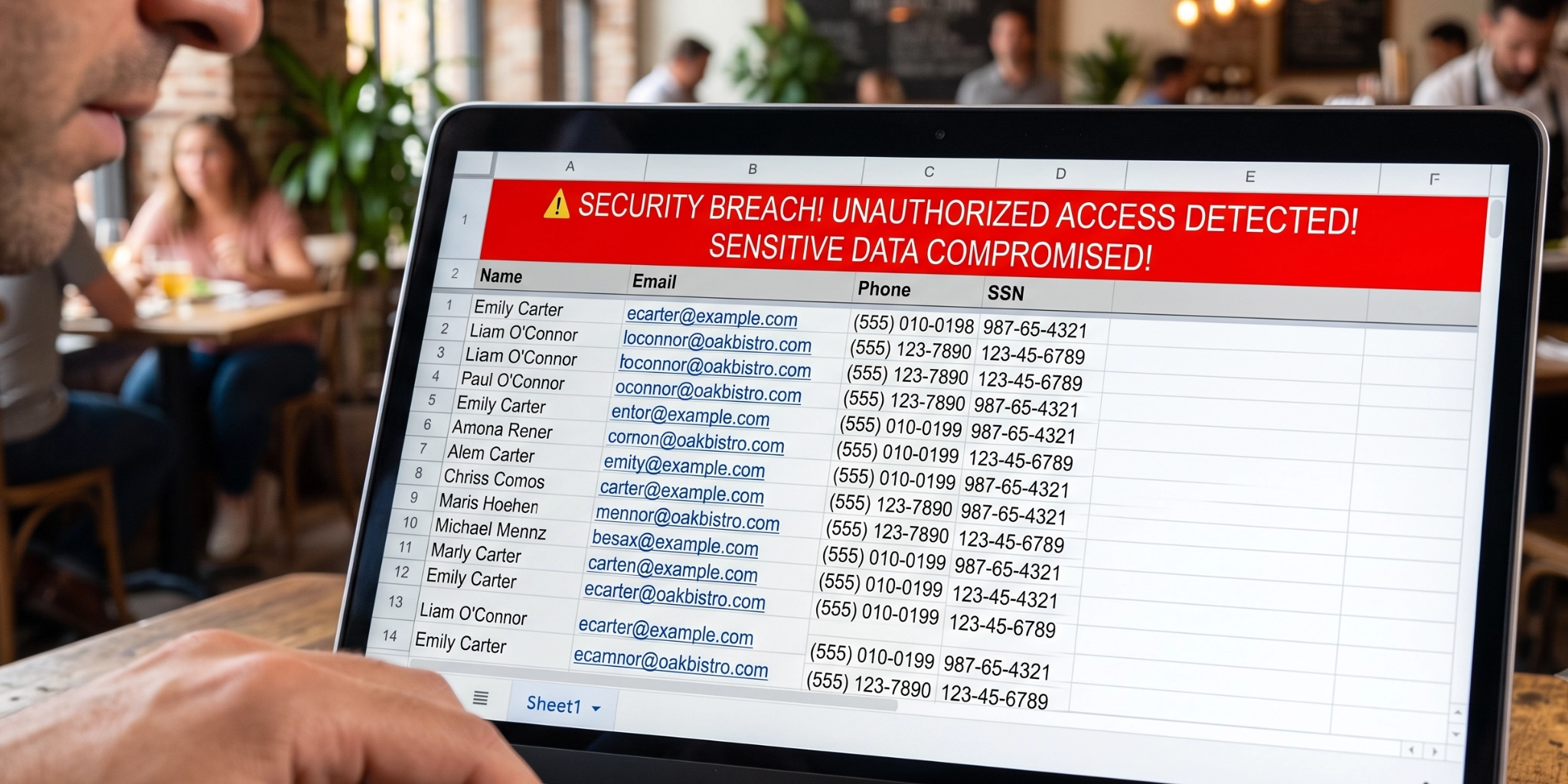
When discussing cyber security threats, many individuals immediately picture sophisticated state-sponsored hackers or complex ransomware operations. However, one of the most severe data breaches in recent history did not involve advanced hacking tools or software vulnerabilities. Instead, it was caused by a simple human oversight in a standard office application: a hidden worksheet within a Microsoft Excel spreadsheet.
A parliamentary inquiry revealed that a Ministry of Defence data breach exposed the sensitive personal details of eighteen thousand seven hundred Afghan citizens who had links to allied forces. The incident occurred when an employee unknowingly shared a spreadsheet that contained a hidden tab filled with confidential details. This error triggered an emergency evacuation programme costing billions of dollars and placed thousands of individuals in significant danger.
The Hidden Risks in Everyday Office Applications
Microsoft Excel allows users to hide worksheets from immediate view to keep complex workbooks organised. However, hiding a tab does not delete or encrypt the underlying information. If an employee sends the workbook to an external recipient without inspecting or stripping hidden contents, the recipient can unhide those worksheets with two simple mouse clicks.
This incident illustrates how easily sensitive information can leave an organisation through routine operational workflows. Everyday productivity tools are powerful, but without clear processes and proper software awareness, they can inadvertently become major vectors for data exposure.
Key Takeaways for Modern Organisations
The inquiry into the Ministry of Defence leak highlighted several critical operational lessons that apply to businesses of all sizes across international markets:
- Human Error Remains a Primary Exposure Point: Technical firewalls and secure networks cannot stop an authorised user from emailing a file that contains hidden sensitive data.
- Training Must Extend Beyond Basic Phishing: Security awareness should encompass safe software usage, document privacy controls, and data handling techniques, rather than focusing strictly on identifying malicious emails.
- Clear Accountability and Governance Are Essential: Organisations require defined procedures specifying who is responsible for reviewing and approving documents before external distribution takes place.
Practical Measures to Reduce Data Leakage Risks
To help reduce the risk of similar data leaks occurring within your business, consider implementing the following defensive strategies:
1. Deliver Comprehensive Employee Awareness Training
Providing regular training on safe document handling and software features can significantly reduce human error. Educating staff on how hidden rows, columns, and worksheets function ensures they understand the potential risks before sharing files externally.
2. Establish Document Sanitisation Workflows
Consider establishing formal file-clearing procedures. Employees should be encouraged to inspect spreadsheets for hidden worksheets and embedded metadata prior to release. Where possible, converting files to static formats such as PDF after a thorough review can help prevent unintended data exposure.
3. Deploy Automated Data Loss Prevention Tools
Data Loss Prevention technologies can automatically inspect outgoing email attachments for sensitive data types or hidden content, helping to flag or intercept potential leaks before files leave the corporate network.
4. Apply the Principle of Least Privilege
Restricting file access ensures that only personnel who genuinely require access to sensitive datasets can open or edit those files. Limiting unnecessary exposure internally reduces the likelihood of accidental external sharing.
5. Formulate Clear Operational Policies
Documented policies that outline information handling guidelines, classification standards, and approval workflows provide employees with clear rules to follow when managing sensitive data.
Enhancing Your Cyber Security Posture with Vertex
The Ministry of Defence leak serves as a powerful reminder that robust cyber security involves far more than just technical defences. Staff education, formal policies, and safe data handling practices are equally essential to protecting sensitive information.
While no single measure can eliminate risk entirely, adopting a multi-layered defence combining tailored training, effective policies, and practical security solutions can substantially enhance your resilience.
At Vertex Cyber Security, we assist organisations in strengthening their defences through tailored employee awareness training programs, policy customisation, and comprehensive security audits. If you would like to explore strategies to enhance your data protection measures or ensure your team is equipped with safe operational practices, please contact the expert team at Vertex Cyber Security today or visit our website for further information.